Software
Tekla Structures
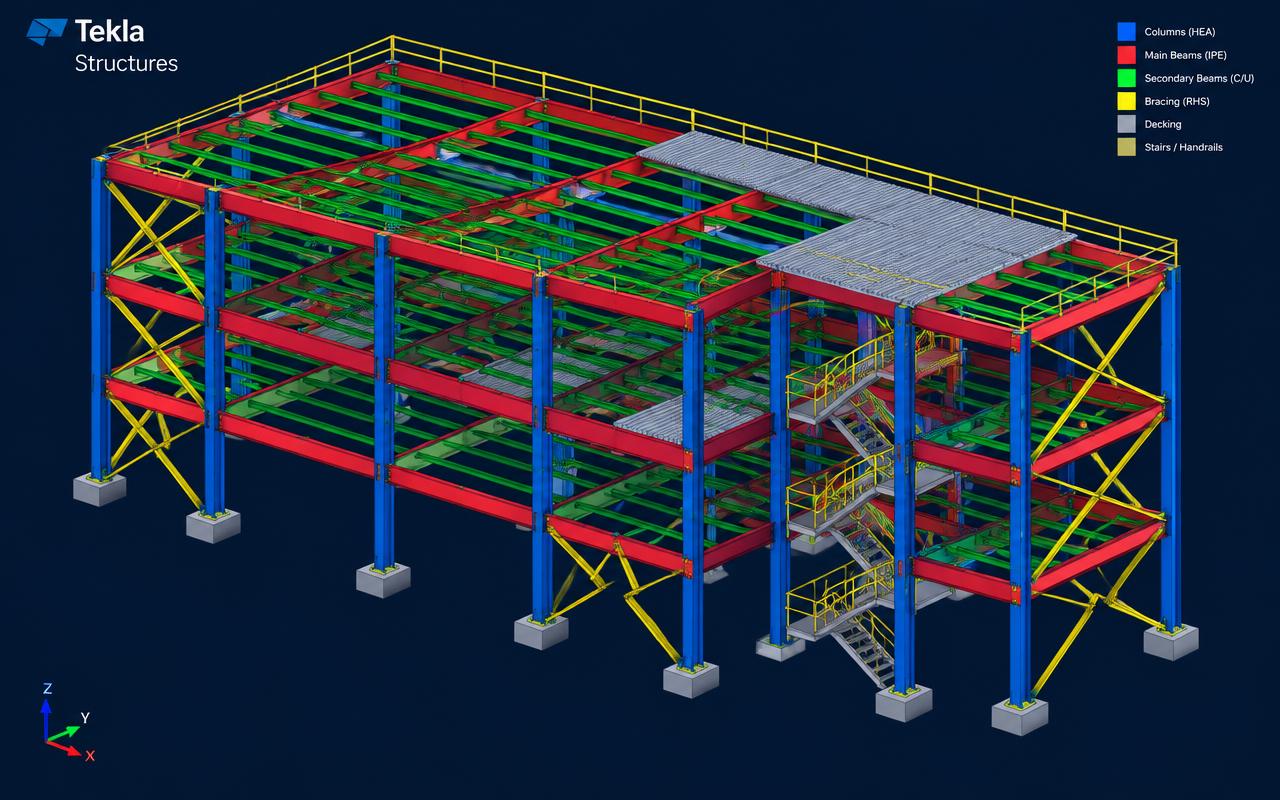
Licensed Tekla Structures for LOD 400 steel modeling, drawings, NC files and BOQ.
Quick answer
Structural Engineering Services supports Tekla Structures projects worldwide with tekla 3d modeling, steel detailing services, fabrication & shop drawings, boq & material take-off — delivered by senior engineers on licensed software to international codes.
- Publisher
- Trimble
- Discipline
- Steel detailing & fabrication modelling
- Licensing
- Commercial seats, in-house only
Capability at a glance
Our Tekla Structures bench strength
Every figure below is what we run in production — licensed seats, supported versions and the scale we deliver at, so you can size us against your package before you enquire.
14
Licensed seats
Tekla Structures Full detailing licences, Trimble Connect for issue
2019–2025
Versions supported
We open and deliver back in your version — no forced upgrades
LOD 400
Standard model maturity
Every bolt, weld and hole modelled, never noted
6,500 t
Largest single model
Around 18,000 assemblies across phased delivery
400 t / 3 wks
Typical throughput
Model, drawings, NC and BOQ on a standard industrial package
Deliverables
What we produce in Tekla Structures
A Tekla model is only worth what comes out of it. Every job we run is modelled so the shop floor gets numbered assemblies, machine-readable cutting data and a drawing set that matches the model one-for-one.
Scope your deliverablesLOD 400 fabrication model
Every plate, bolt, weld and hole modelled — no 'typical' notes left for the fabricator to interpret. Phased and numbered for shipping sequence.
Single-part & assembly drawings
Fully dimensioned shop drawings with bolt lists, weld symbols to AWS D1.1 or EN ISO 2553, and your title block and drawing standards.
Erection, GA & anchor-bolt plans
Setting-out plans, elevations, field-bolt schedules and anchor-rod layouts the erector can work from on site.
NC / DSTV (.nc1) & DXF
Machine files for beam lines, drill lines and angle lines, plus nested DXF profiles for plasma, laser and waterjet plate cutting.
IFC 2x3 / IFC4 coordination model
Issued for federation in Navisworks alongside architecture, piping and MEP, with correct shared coordinates and object classification.
BOQ, MTO & bolt lists
Tonnage by grade, profile and phase, surface area for painting, and bolt and stud counts exported to Excel for procurement.
Interoperability
Tekla Structures file formats we work with
Tekla sits in the middle of the chain: analysis in, coordination sideways, CNC out. These are the exchanges we run routinely and test on every project before modelling starts.
| Format | Direction | How we use it |
|---|---|---|
| IFC 2x3 / IFC4 | Both ways | Reference architecture, concrete and MEP in; issue the steel model out for federation and clash review. |
| NC1 / DSTV | We deliver | Beam, drill and angle-line machine code — the output the fabricator actually loads at the machine. |
| DXF / DWG | Both ways | Reference grids and arrangement drawings in; nested plate profiles and drawing sheets out. |
| SDNF / CIS-2 | Both ways | Analytical member geometry swapped with STAAD.Pro and other analysis packages. |
| KISS (.kss) | We deliver | Production-control feed for material ordering, nesting and shop scheduling. |
| Excel / CSV reports | We deliver | Templated BOQ, MTO, bolt and assembly-numbering reports in your own format. |
| Point cloud (.las / .e57) | We import | Survey data for retrofit and tie-in work, so new steel lands on as-built geometry. |
Working in a format that is not listed? Send a sample file with your enquiry — we confirm every exchange route before kick-off rather than discovering it at issue.
How we work
Our Tekla Structures workflow
Each stage has a defined input, output and owner, which is what keeps multi-phase packages predictable across time zones.
- 1
Inputs & detailing brief
Design drawings, connection design, fabricator preferences, bolt standards, drawing templates and the shipping and erection sequence are logged before a profile is placed.
- 2
Grids, phases & catalogues
Project grids, levels, profile and bolt catalogues, material grades and numbering series are set up to your standard, not the Tekla default.
- 3
Primary & secondary steel
Main frame, bracing, purlins, platforms, stairs and handrails modelled to LOD 400 with correct fit, gaps and camber.
- 4
Connections & custom components
Standard components and custom connections applied from the approved connection design, with shop-friendly bolt access and weld sizes.
- 5
Model check & clash review
Quality gateTekla Model Checker, clash check against the federated Navisworks model, numbering audit and a senior checker's red-line pass on geometry, fit and welds.
- 6
Drawing production & numbering
Assembly, single-part, erection and GA drawings generated, cloned to your templates, then dimension- and annotation-checked sheet by sheet.
- 7
CNC, reports & issue
NC/DSTV, DXF nests, BOQ, bolt lists and IFC exported, packaged with a transmittal and revision register for approval or direct release to the shop.
One stage is a formal quality gate — work does not move forward until a senior engineer signs it off, which is why revisions after issue stay rare.
Choosing a platform
When Tekla Structures is the right choice
The right software is the one that produces your deliverable with the least rework downstream. This is the call we would make on your scope.
Choose Tekla Structures when
- The output has to drive a fabrication shop — NC/DSTV, nested plate DXF and numbered assemblies, not just a picture of the steel.
- Connection-heavy structures: pipe racks, process plant frames, stairs, platforms and heavy braced frames.
- Tonnage matters commercially and you need auditable BOQ and MTO by phase, grade and profile.
- Multiple fabricators or sites need the same model split into shippable, separately numbered phases.
We would use something else when
Still unsure? Send the drawings and the deliverable you need — we will tell you which platform we would run it on, and why, before quoting.
Relevant services
Our Tekla Structures services
Tekla 3D Modeling
Building a fully detailed, clash-free Tekla Structures model from which every drawing, report and CNC file is generated.
ExploreSteel Detailing Services
Converting engineering design drawings into precise fabrication and erection documents that shops can cut, drill and weld from without guesswork.
Explore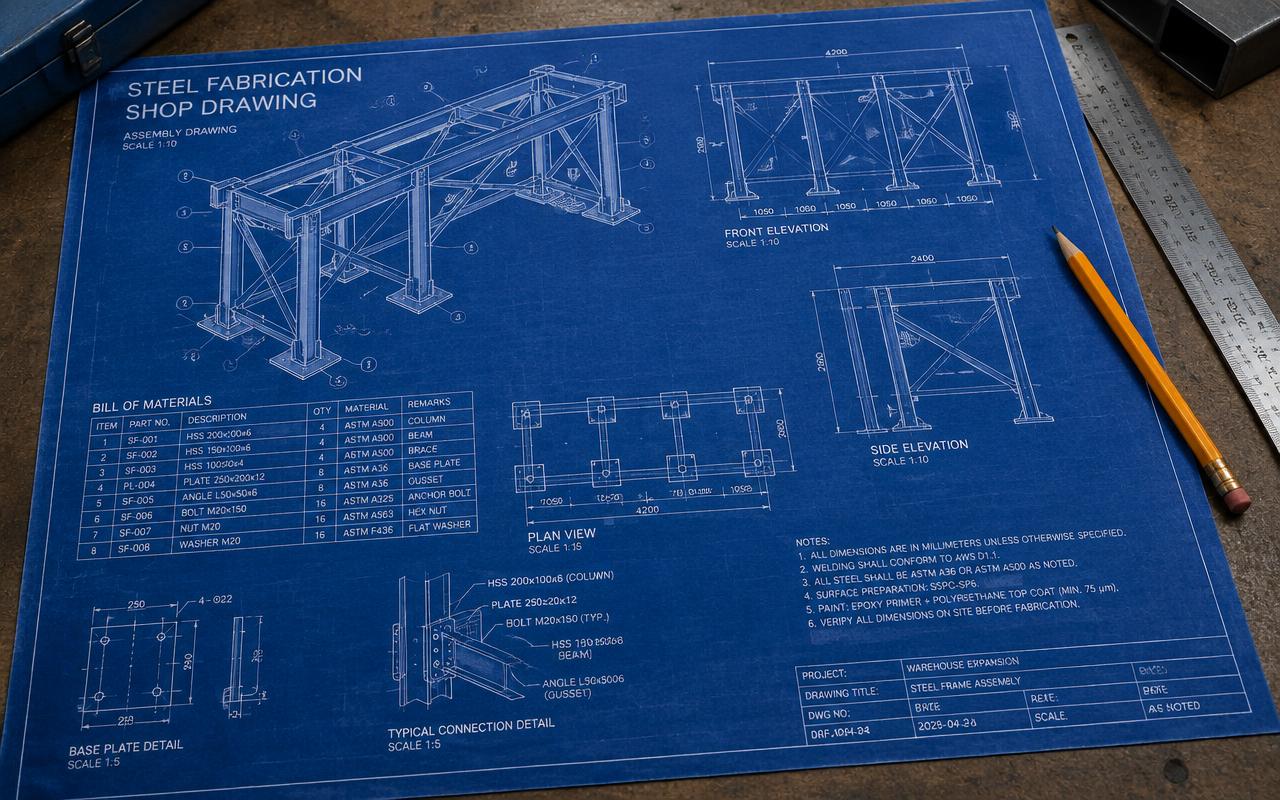
Fabrication & Shop Drawings
Preparing single-part, assembly and GA drawings with full dimensions, weld symbols and bolt data.
ExploreBOQ & Material Take-off
Extracting accurate steel tonnage, plate, bolt and paint-area quantities directly from the 3D model.
ExploreDirectory
Tekla Structures work by market
Pick the market your project is built in. Every page sets out the governing codes, units and delivery window we work to there.
8 markets
Start your project
Send your drawings. Get a quote in 24 hours.
Free, no-obligation proposal from a senior engineer.