Software
Autodesk Inventor
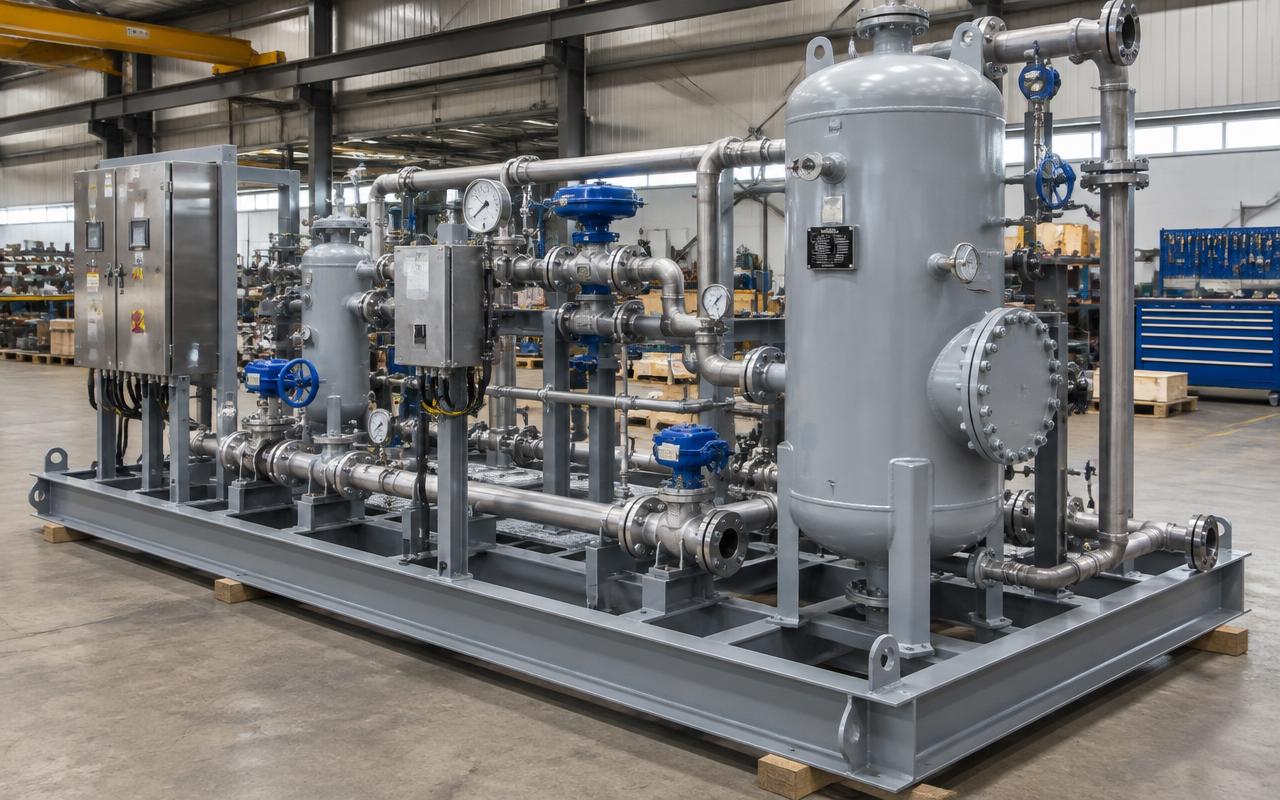
Mechanical 3D design for equipment, skids and machinery.
Quick answer
Structural Engineering Services supports Autodesk Inventor projects worldwide with autodesk inventor 3d design, skid package design, static equipment design, lifting & rigging calculations — delivered by senior engineers on licensed software to international codes.
- Publisher
- Autodesk
- Discipline
- Mechanical 3D design for equipment & skids
- Licensing
- Commercial seats, in-house only
Capability at a glance
Our Autodesk Inventor bench strength
Every figure below is what we run in production — licensed seats, supported versions and the scale we deliver at, so you can size us against your package before you enquire.
10
Licensed seats
Inventor Professional with Vault revision control
2019–2025
Versions supported
Delivered native or as STEP for any platform
5,000 parts
Largest assembly
Multi-skid package with vendor equipment included
ASME Y14.5
Drawing standard
Or ISO 1101 — whichever your shop works to
2–4 wks
Typical skid package
Model, drawings, flat patterns and BOM
Deliverables
What we produce in Autodesk Inventor
Inventor is where equipment becomes manufacturable: parametric parts, a frame that welds up square, flat patterns the laser can cut and drawings with tolerances the machine shop can hold.
Scope your deliverablesParametric parts & assemblies
Fully constrained models driven by key dimensions, so a change in duty or envelope propagates through the package instead of restarting it.
Skid frames & weldments
Frame Generator structures with end treatments, weld preparation, weld symbols and a cut list the shop can order from.
Manufacturing drawings with GD&T
Part and assembly drawings dimensioned to ASME Y14.5 or ISO 1101, with datums, tolerances and surface finish called out properly.
Sheet-metal flat patterns
Unfolded flat patterns with correct bend allowance, exported as DXF for laser, plasma and turret punch.
BOM & parts lists
Structured bill of materials with purchased items, vendor references and weights, exported to Excel or your ERP for procurement.
Interference, mass & lifting checks
Clash and motion checks, mass properties and centre of gravity, plus lifting lug and transport frame verification.
Interoperability
Autodesk Inventor file formats we work with
Mechanical packages are assembled from vendor models in half a dozen formats. Inventor's AnyCAD reading keeps those associative instead of frozen, and exports cleanly to plant and analysis tools.
| Format | Direction | How we use it |
|---|---|---|
| STEP / IGES / SAT / JT | Both ways | Neutral geometry in from vendors and out to fabricators and clients on any CAD platform. |
| SolidWorks / Creo / CATIA | We import | AnyCAD reads native third-party CAD associatively, so a vendor revision updates inside the assembly. |
| DWG / DXF | Both ways | Layout references in; drawings and sheet-metal flat patterns out for cutting. |
| NWC | We deliver | Published to Navisworks so the skid federates with plant structure and piping. |
| Geometry to ANSYS | We deliver | Clean solid geometry handed to FEA for lifting lugs, brackets and pressure parts. |
| STL / 3MF | We deliver | Prototype and visualisation output for additive manufacturing and mock-ups. |
| Excel BOM | We deliver | Structured parts list with vendor data pushed into procurement and ERP. |
Working in a format that is not listed? Send a sample file with your enquiry — we confirm every exchange route before kick-off rather than discovering it at issue.
How we work
Our Autodesk Inventor workflow
Our process is built around catching problems before they reach your reviewer, so the checking stages are fixed, not optional.
- 1
Requirements & envelope
Duty, footprint, transport limits, access, maintenance clearances and the applicable mechanical standards are fixed before modelling.
- 2
Layout skeleton
A skeleton sketch or layout part drives equipment positions and connection points, so the assembly stays controllable as it grows.
- 3
Part & assembly modelling
Parts modelled parametrically with the manufacturing method in mind — machined, folded, cast or welded — and constrained in the assembly.
- 4
Frame, weldments & tubing
Skid frame generated, weldments prepared, and tubing and small-bore piping routed with real fittings and bend radii.
- 5
Interference & mass review
Quality gateFull clash check, motion study on moving parts, and mass and CG verified against lifting, transport and foundation assumptions.
- 6
Drawings & flat patterns
Drawings produced with GD&T, weld symbols and finish notes; flat patterns exported as DXF for cutting.
- 7
BOM release
Structured BOM issued under revision control, long-lead items flagged and vendor data packaged for procurement.
One stage is a formal quality gate — work does not move forward until a senior engineer signs it off, which is why revisions after issue stay rare.
Choosing a platform
When Autodesk Inventor is the right choice
Most enquiries arrive naming a tool. Sometimes it is the right one; sometimes another package in our stack gets you there faster and cheaper. Here is how we decide.
Choose Autodesk Inventor when
- The package is machinery or equipment — skids, filtration units, agitators, conveyors, material handling or custom rigs.
- Fabrication needs tight tolerances, GD&T, machined features and sheet-metal flat patterns.
- A configurable product family would benefit from parametric or iLogic-driven variants.
- Vendor models arrive in mixed CAD formats and must live together in one controlled assembly.
We would use something else when
Still unsure? Send the drawings and the deliverable you need — we will tell you which platform we would run it on, and why, before quoting.
Relevant services
Our Autodesk Inventor services
Autodesk Inventor 3D Design
Modeling machines, equipment and skids in Inventor with fabrication drawings.
ExploreSkid Package Design
Engineering complete modular skids — vessels, piping, structure, lifting and foundations.
Explore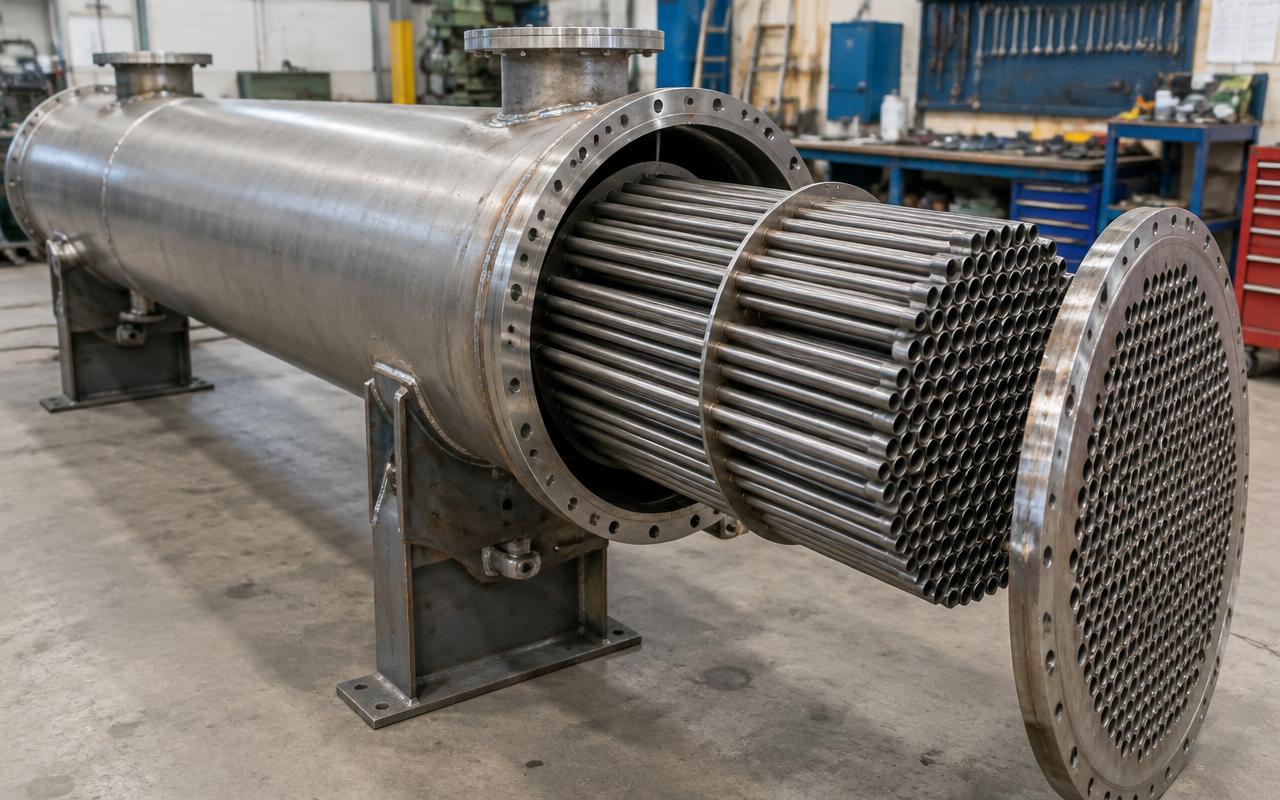
Static Equipment Design
Delivering design and analysis for the full range of static process equipment.
ExploreLifting & Rigging Calculations
Calculating lifting lug, spreader and package lifting loads for safe installation.
ExploreDirectory
Autodesk Inventor work by market
Pick the market your project is built in. Every page sets out the governing codes, units and delivery window we work to there.
8 markets
Most requested markets
8
- Autodesk Inventor 3D Design in USA
- Autodesk Inventor 3D Design in United Kingdom
- Autodesk Inventor 3D Design in UAE
- Autodesk Inventor 3D Design in Saudi Arabia
- Autodesk Inventor 3D Design in Australia
- Autodesk Inventor 3D Design in Canada
- Autodesk Inventor 3D Design in Singapore
- Autodesk Inventor 3D Design in India
Start your project
Send your drawings. Get a quote in 24 hours.
Free, no-obligation proposal from a senior engineer.