
Software
Navisworks
Model federation, clash detection and design review.
Quick answer
Structural Engineering Services supports Navisworks projects worldwide with navisworks model review & clash detection, tekla 3d modeling, cadworx 3d piping modeling, engineering design services — delivered by senior engineers on licensed software to international codes.
- Publisher
- Autodesk
- Discipline
- Model federation, clash detection & review
- Licensing
- Commercial seats, in-house only
Capability at a glance
Our Navisworks bench strength
Every figure below is what we run in production — licensed seats, supported versions and the scale we deliver at, so you can size us against your package before you enquire.
6
Licensed seats
Navisworks Manage with clash, TimeLiner and Quantification
2019–2025
Versions supported
Plus the free viewer for every stakeholder
60 models
Largest federation
Around 2.5 GB federated across all disciplines
Weekly
Clash cycle
Run, grouped, assigned and reported every week
Grouped
Issues, not raw hits
Thousands of clashes reduced to actionable items
Deliverables
What we produce in Navisworks
Navisworks does not author anything — it tells you the truth about everyone else's models. Our output is a closed clash register and a review model the site team can actually use.
Scope your deliverablesFederated project model
Every discipline appended on shared coordinates into one NWF and NWD, with a register recording source, version and date for each file.
Clash test matrix
Discipline-pair tests with defined tolerances, separating hard clashes from clearance, access and insulation-envelope issues.
Grouped & filtered clash reports
Raw hits grouped by cause and location, so one modelling decision becomes one issue rather than two hundred duplicates.
Issue register with viewpoints
HTML and spreadsheet reports with saved viewpoints, responsible discipline, status and closure date, tracked across cycles.
4D construction sequence
TimeLiner simulation linking the model to the programme for erection sequencing, lay-down planning and crane studies.
Review model & walkthroughs
A lightweight NWD anyone can open, plus recorded walkthroughs for design review, HAZOP support and site briefings.
Interoperability
Navisworks file formats we work with
Navisworks reads almost everything, which is its point — but a federated model is only as good as its coordinate setup. We verify coordinates on every append before the first clash test is run.
| Format | Direction | How we use it |
|---|---|---|
| NWC / NWF / NWD | Both ways | Cache, federation and published formats — the NWD is the shareable deliverable, needing only the free viewer. |
| RVT | We import | Revit structural, architectural and MEP models appended directly with their coordinate systems. |
| IFC | We import | Open-BIM input from Tekla and other authoring tools where no native reader exists. |
| DWG / DGN | We import | AutoCAD, Plant 3D and MicroStation geometry brought into the federation. |
| Clash reports (HTML / XML / XLSX) | We deliver | Issue registers with viewpoints and status, re-importable on the next coordination cycle. |
| Point cloud (RCP / RCS / E57) | We import | Scan data federated with design models for brownfield fit and tie-in verification. |
| AVI / FBX | We deliver | Walkthrough animations and sequence videos for review meetings and site briefings. |
Working in a format that is not listed? Send a sample file with your enquiry — we confirm every exchange route before kick-off rather than discovering it at issue.
How we work
Our Navisworks workflow
Our process is built around catching problems before they reach your reviewer, so the checking stages are fixed, not optional.
- 1
Model register & coordinates
Source files, versions and origins logged, and shared coordinates verified against a common control point before anything is appended.
- 2
Federation & search sets
Models appended and organised into selection and search sets by discipline, system and area, so tests can be rerun automatically.
- 3
Clash test matrix
Test pairs and tolerances defined with the project team — structure against piping, piping against HVAC, access envelopes and insulation gaps.
- 4
Run, group & filter
Results grouped by root cause, with duplicates and acceptable touches eliminated, so each reported issue is a genuine decision.
- 5
Constructability review
Quality gateBeyond geometry: maintenance access, valve reach, lifting routes, lay-down and erection sequence reviewed with viewpoints captured.
- 6
Issue, assign & track
Each clash assigned to a discipline with a due date; the register is re-run next cycle and closure is evidenced, not claimed.
- 7
Sign-off NWD
A published, dated review model issued at each milestone as the record of what was coordinated and what remains open.
One stage is a formal quality gate — work does not move forward until a senior engineer signs it off, which is why revisions after issue stay rare.
Choosing a platform
When Navisworks is the right choice
Most enquiries arrive naming a tool. Sometimes it is the right one; sometimes another package in our stack gets you there faster and cheaper. Here is how we decide.
Choose Navisworks when
- Several disciplines or several authoring tools must be checked against each other before fabrication or site work.
- Clashes need to be tracked as an auditable register with ownership and closure, not resolved by email.
- Construction sequencing, access or lifting studies need to be examined in 4D against the programme.
- Stakeholders need to view and mark up the whole project without owning authoring licences.
We would use something else when
Still unsure? Send the drawings and the deliverable you need — we will tell you which platform we would run it on, and why, before quoting.
Relevant services
Our Navisworks services
Navisworks Model Review & Clash Detection
Federating multi-discipline models and running clash detection and review sessions.
Explore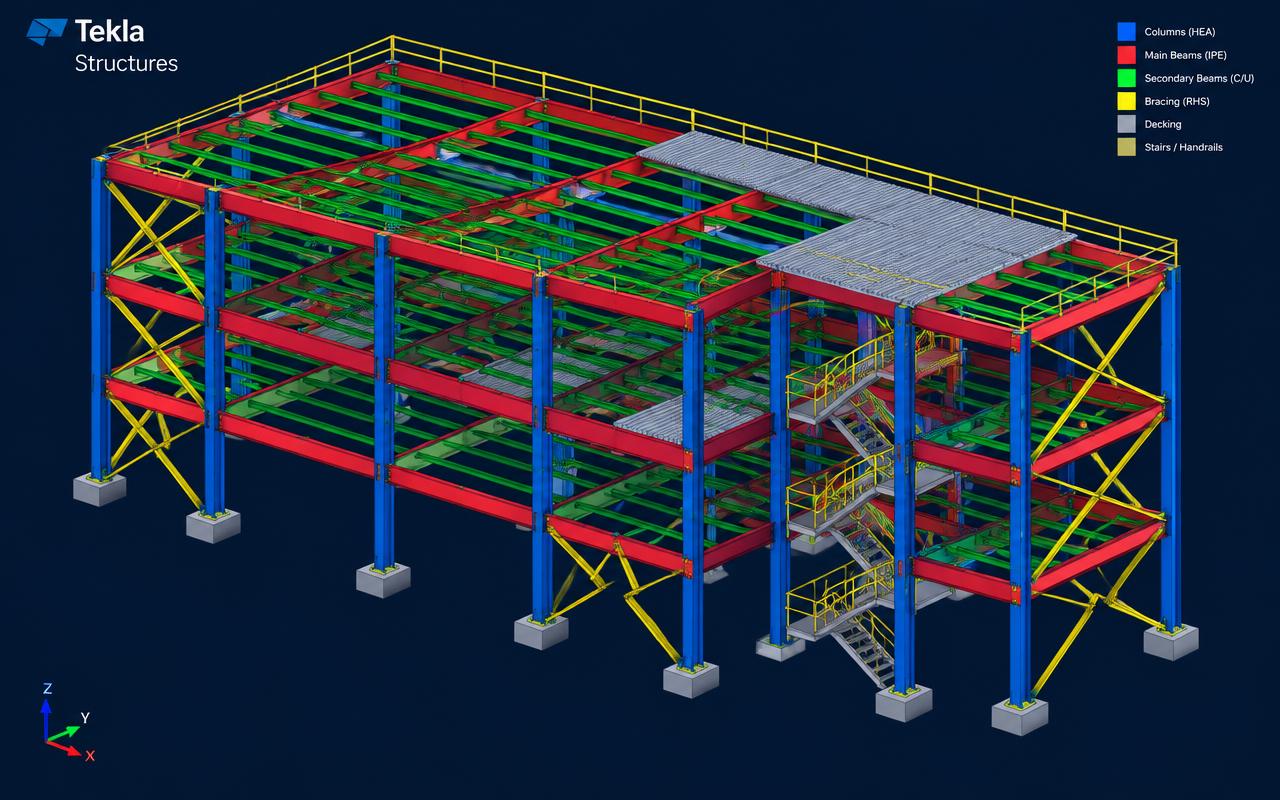
Tekla 3D Modeling
Building a fully detailed, clash-free Tekla Structures model from which every drawing, report and CNC file is generated.
Explore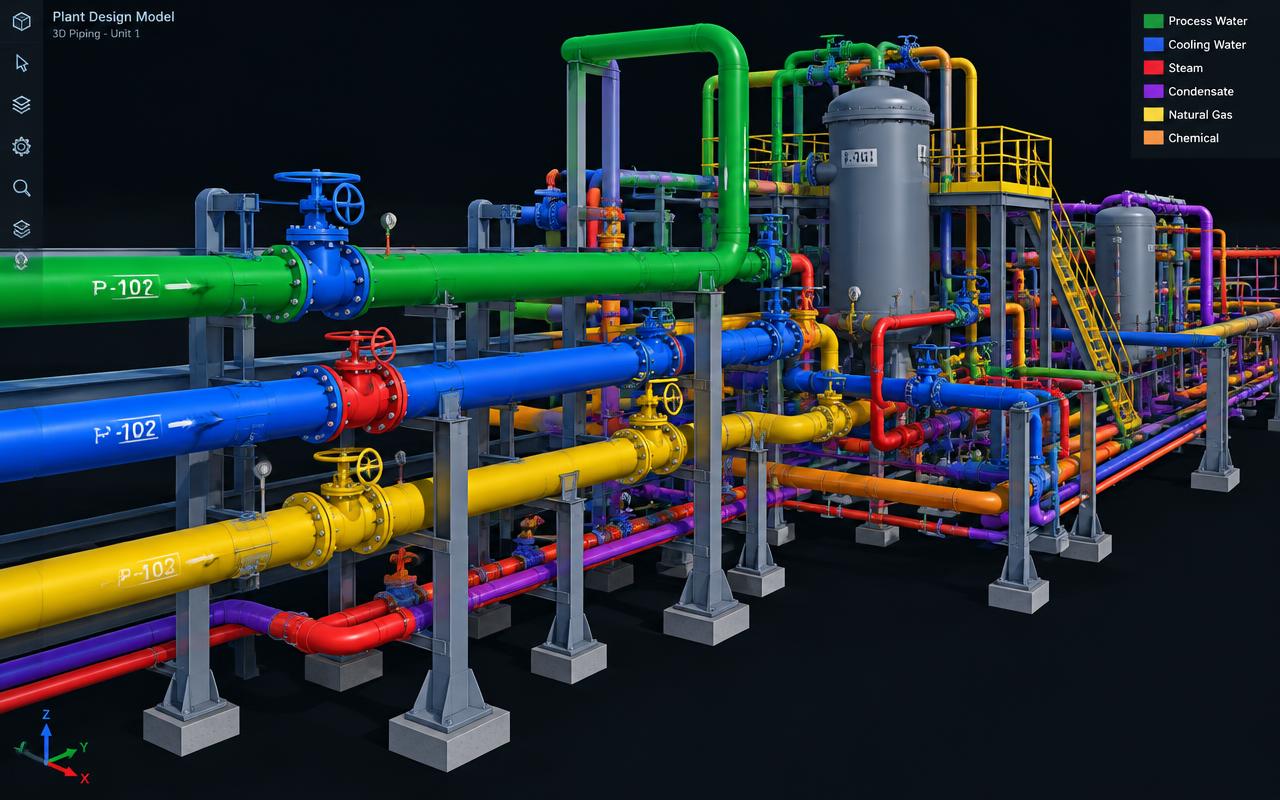
CADWorx 3D Piping Modeling
Producing intelligent spec-driven CADWorx piping models for plants and skids.
Explore
Engineering Design Services
Providing multidisciplinary engineering design support as an extension of your team.
ExploreDirectory
Navisworks work by market
Pick the market your project is built in. Every page sets out the governing codes, units and delivery window we work to there.
8 markets
Most requested markets
8
- Navisworks Model Review & Clash Detection in USA
- Navisworks Model Review & Clash Detection in United Kingdom
- Navisworks Model Review & Clash Detection in UAE
- Navisworks Model Review & Clash Detection in Saudi Arabia
- Navisworks Model Review & Clash Detection in Australia
- Navisworks Model Review & Clash Detection in Canada
- Navisworks Model Review & Clash Detection in Singapore
- Navisworks Model Review & Clash Detection in India
Start your project
Send your drawings. Get a quote in 24 hours.
Free, no-obligation proposal from a senior engineer.