Steel & equipment fabricators
Shop loaded, schedule fixed, no spare detailing capacity in house.
What you get
Clean, standards-compliant sheets that match the way your shop reads drawings, produced faster than hiring for the peak.

CAD, BIM & Drafting
Structural Engineering Services specialises in federating multi-discipline models and running clash detection and review sessions.
Quick answer
Navisworks Model Review & Clash Detection is the process of federating multi-discipline models and running clash detection and review sessions. Structural Engineering Services delivers it worldwide on licensed AutoCAD, Revit, Inventor, Navisworks, BricsCAD to ISO 128, ASME Y14.5, Client CAD standards and client specifications.
Software we use
Why us
Whether you are a fabricator racing a shop schedule, an EPC contractor managing multiple disciplines or an owner needing an independent check, our navisworks model review & clash detection team works as an extension of yours. Every deliverable passes a two-stage check by senior engineers before it leaves our office.
Deliverables
The standard cad, bim & drafting package. Anything outside it is priced as a named add-on, never assumed.
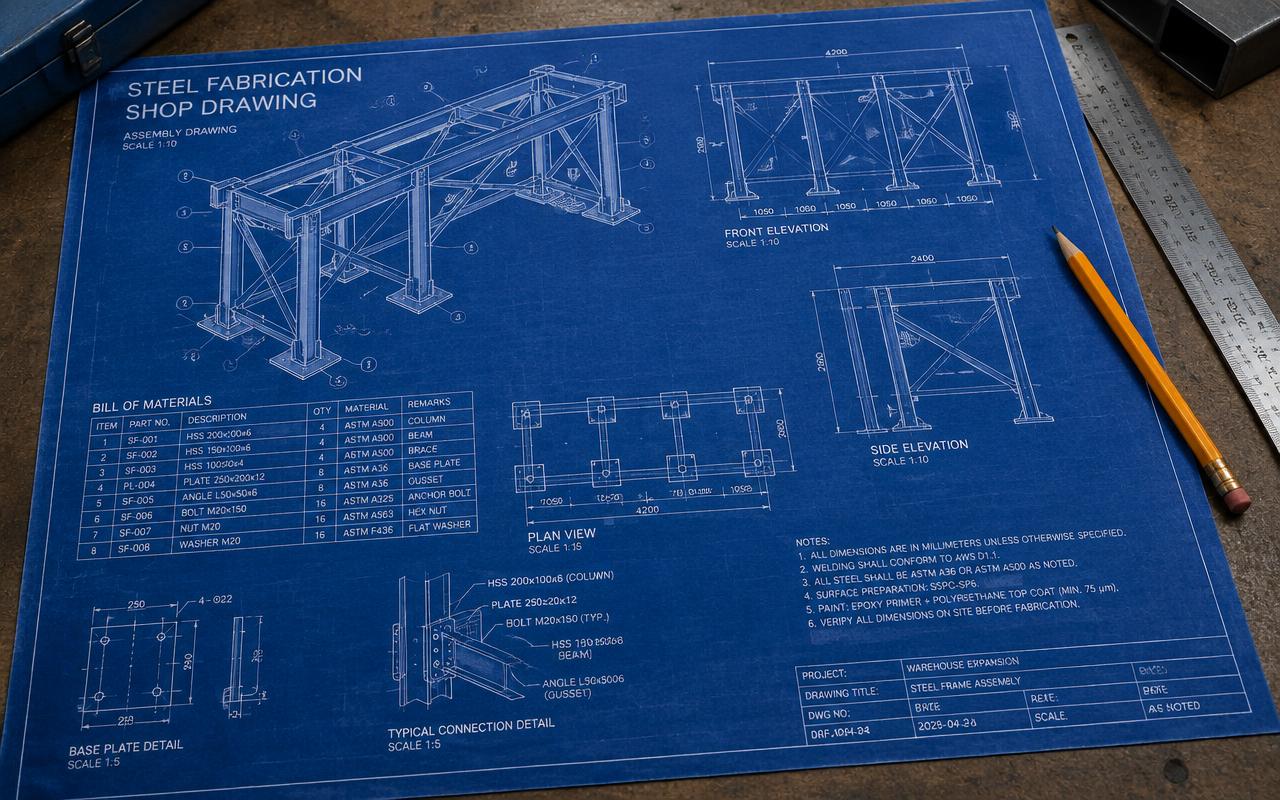
2D detail drawings
BIM / 3D models
Clash detection reports
As-built drawings
Drawing conversion
Model review packages
Compliance
Every navisworks model review & clash detection package is engineered to the governing codes below and to any client or authority specification you issue with the enquiry.
Free quote
Send drawings and get a fixed-price proposal within 24 hours.
Who we work with
The scope looks similar on paper. What each buyer actually needs from it does not — so the engagement is shaped around it.
Shop loaded, schedule fixed, no spare detailing capacity in house.
What you get
Clean, standards-compliant sheets that match the way your shop reads drawings, produced faster than hiring for the peak.
Multi-discipline scope, moving client revisions, hard contractual dates.
What you get
Elastic drafting capacity that absorbs document-production peaks without diluting your in-house engineering team.
Work won beyond current capacity, delivered under your own stamp.
What you get
A white-label drafting desk working inside your CAD standard, so issued drawings look like your own office produced them.
Plant modifications, life extension and independent verification.
What you get
Legacy drawings and as-builts brought back under control in a single, consistent and genuinely usable document set.
How we deliver
The same engagement runs every navisworks model review & clash detection project, whether it is a single package or a multi-year frame agreement — so you always know what happens next and who owns it.
Send what you already have — markups, sketches, scans, legacy DWGs or point-cloud data, plus your CAD standard, layer convention, title block and sheet-numbering rules. Incomplete inputs are fine; we list the gaps rather than guess at them.
A senior engineer reviews the package and returns a priced proposal with scope, assumptions, exclusions and a milestone plan for your navisworks model review & clash detection. No obligation, no placeholder pricing.
Work is produced directly in your CAD environment to your layer, lineweight and annotation standard — models federated and clash-checked in Navisworks where several disciplines meet, so the drawings you receive are already coordinated.
Nothing leaves our office on one pair of eyes. An independent checker verifies the technical content, then a senior engineer approves it against ISO 128 / ASME Y14.5 and your project specification.
Final issue is a tidy, standards-compliant set: native files plus PDF and DWG, clash and review reports where modelling is in scope, and an as-built update once site changes are captured. Comments are closed within two revision cycles, and RFIs raised during fabrication or construction are answered inside 48 hours.
Scope matrix
No vague scopes and no surprise variations. This is what sits inside the base price, what you can bolt on, and what we need from you to start.
Swipe the table sideways to see every column
| Work package | Included in base scope | Optional add-on | What we need from you |
|---|---|---|---|
| Drawing production | 2D detail drawings to your CAD standard, layers, lineweights and title block | Full sheet-set reorganisation and drawing-register creation | Markups or sketches, CAD standard and template files |
| Modelling | Revit or Inventor 3D model at the agreed level of development | Family/content library creation and parametric component authoring | Target LOD, model-origin convention and shared coordinates |
| Coordination | Federated model and clash detection report with prioritised issues | Chaired clash-resolution sessions and issue tracking to closure | Models from each discipline in IFC or native format on a fixed cycle |
| Conversion | Scan/PDF to DWG, legacy drawing conversion and redraw | Point-cloud to BIM (scan-to-BIM) and existing-condition modelling | Source scans, PDFs or point clouds at usable resolution |
| As-builts | As-built drawing update from site markups | Site-survey-based verification and document-control handover pack | Consolidated site markups and change records |
| Output & handover | Native files plus PDF and DWG issue in your folder structure | Document-management upload and controlled transmittal handling | File-naming convention and document-control requirements |
Missing an input? Send what you have — we list the gaps in the proposal instead of pricing around them.
Engagement & pricing
Pick the commercial model that matches how your navisworks model review & clash detection work arrives — one-off package, measurable units, or continuous capacity.
one price, whole scope
Best for
Defined navisworks model review & clash detection packages where the inputs are frozen and you need budget certainty before you commit.
Scope, assumptions and exclusions written into the proposal, so variations are visible rather than invoiced quietly.
per drawing sheet
Best for
Drafting, conversion and redraw work where sheets are the natural unit of scope.
Banded by sheet complexity, agreed from a sample before work starts.
per engineer hour
Best for
Markups, model reviews and open-ended support where scope cannot be counted up front.
Transparent timesheets with a not-to-exceed cap you set.
per engineer month
Best for
Continuous workload, frame agreements and clients who want a named engineer who learns their standards and stays on the account.
Your engineer works on licensed AutoCAD inside your workflow, reporting to your lead as an extension of your team.
Not sure which model suits your navisworks model review & clash detection scope? Send the drawings — the proposal prices two options side by side.
Get a free quoteQuality assurance
Every navisworks model review & clash detection deliverable is checked by an engineer who did not produce it, then approved by a senior engineer who signs it by name.
Checked by an engineer who did not produce the work
The checker rebuilds the critical numbers rather than reading along with them, marking up every sheet of the navisworks model review & clash detection package against the inputs.
Approved by name against ISO 128, ASME Y14.5, Client CAD standards
The approving engineer looks past compliance at whether the solution is buildable, economical and right for how the asset will actually be used.
Only then is the package released — with the checker and approver recorded against the revision.
FAQ
Our navisworks model review & clash detection covers federating multi-discipline models and running clash detection and review sessions. Typical deliverables: 2D detail drawings, BIM / 3D models, Clash detection reports, As-built drawings.
We work on licensed AutoCAD, Revit, Inventor, Navisworks, BricsCAD and deliver native files plus PDF, DWG and IFC on request.
We design to ISO 128, ASME Y14.5, Client CAD standards and to client specifications such as Shell DEPs and major operator standards.
Small packages are typically delivered in 3–7 working days; large projects are split into phased submissions agreed at kick-off.
We quote fixed lump-sum, per-tonne, per-drawing or hourly rates. Send your drawings for a free quote within 24 hours.
Explore more
Producing clean, standards-compliant 2D engineering drawings in AutoCAD and BricsCAD.
Explore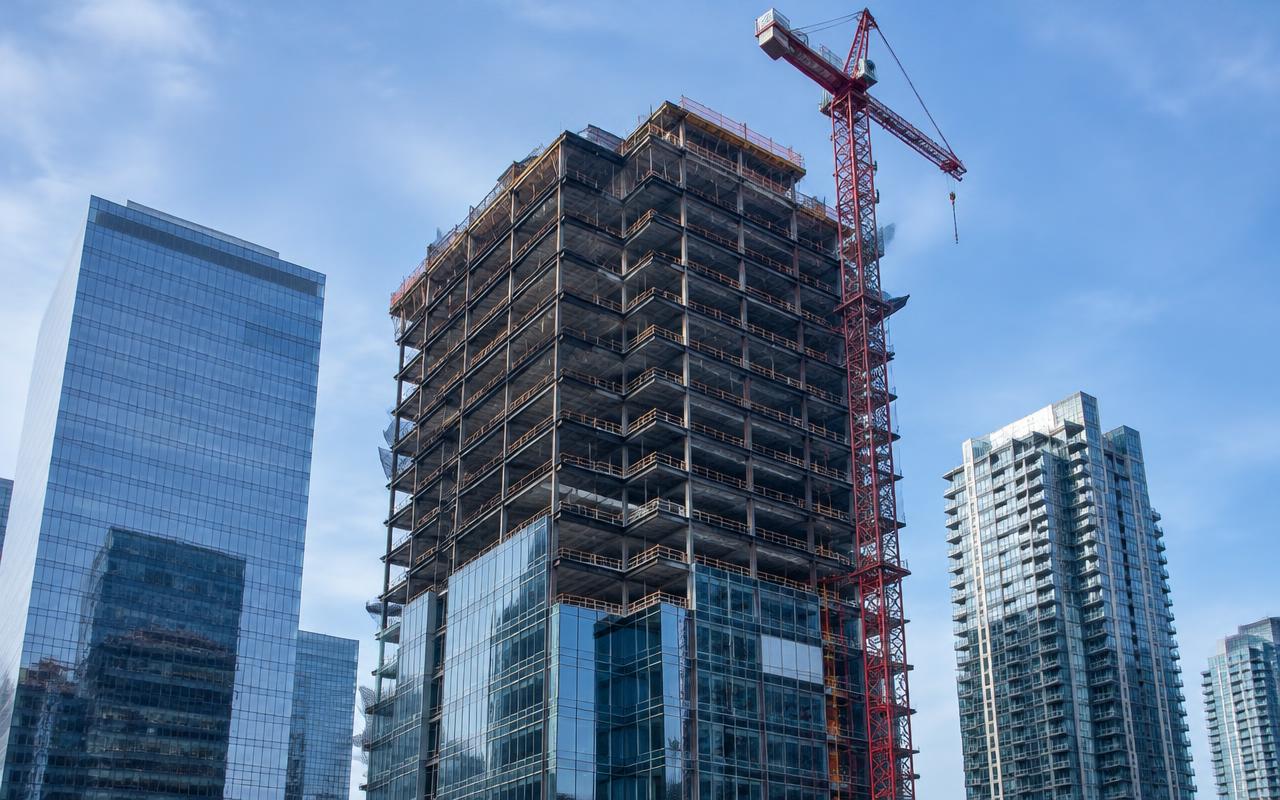
Creating coordinated Revit structural BIM models for building projects.
Explore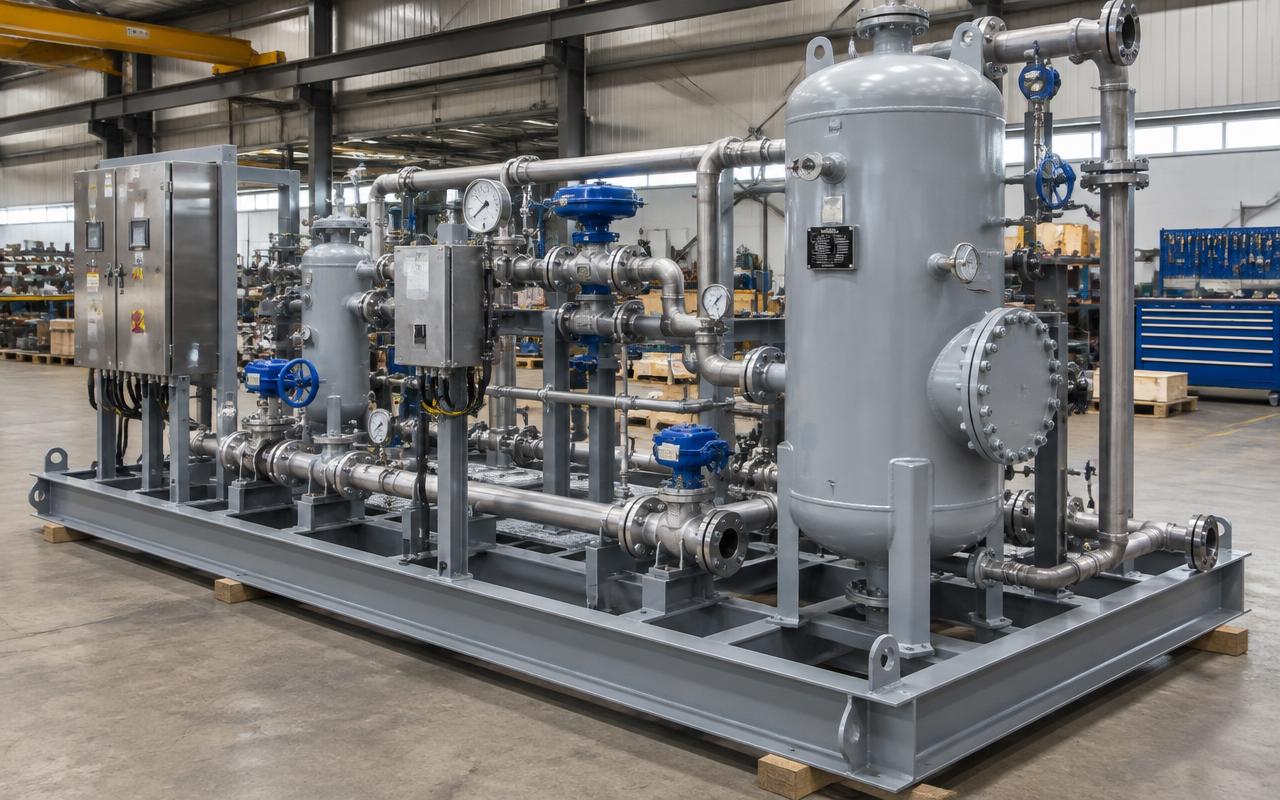
Modeling machines, equipment and skids in Inventor with fabrication drawings.
Explore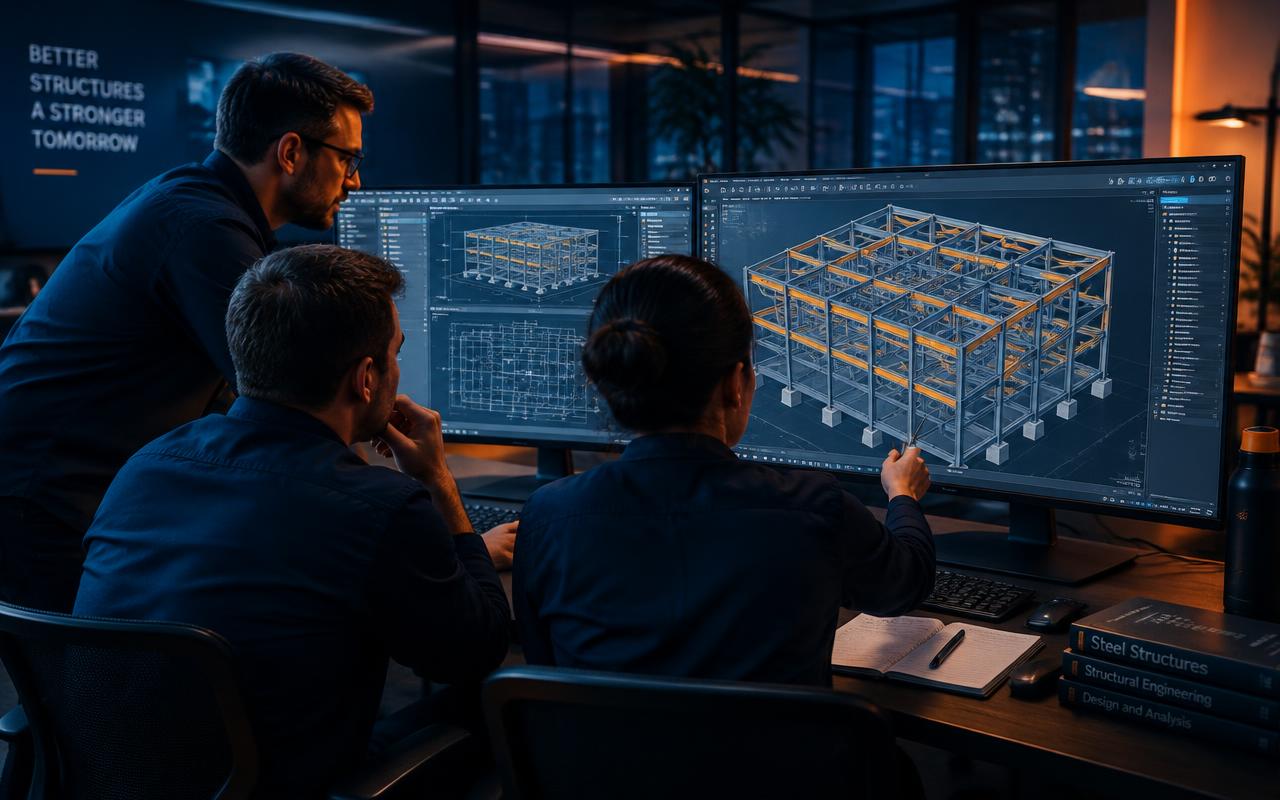
Providing multidisciplinary engineering design support as an extension of your team.
ExploreDirectory
We deliver navisworks model review & clash detection to clients in every major market. Open a region to find your country or city — each page covers the local codes, units and delivery window we work to.
250 destinations
Delivered to AISC 360, ASCE 7, AWS D1.1 with overnight turnaround — your evening RFI is answered by your next morning.
Delivered to EN 1993 (Eurocode 3), EN 1090, EN 13445 with a 3–5 hour working-day overlap plus next-morning deliveries.
Delivered to AISC 360, ASME B31.3, API 650 with almost full working-day overlap with 1–2.5 hours time difference.
Delivered to AS 4100, AS/NZS 1170, AISC 360 with strong morning overlap with same-day review cycles.
Delivered to IS 800, IS 875, IS 1893 with same time zone with on-call engineering support.
Delivered to SANS 10162, EN 1993, AISC 360 with a 2–4 hour time difference with full-day coordination.
Delivered to AISC 360, ASCE 7, NSR-10 with overnight production so drawings are ready at start of day.
Start your project
Free, no-obligation proposal from a senior engineer.